

The Epson Pro Cinema 4050 represents a significant investment in home theater excellence, delivering professional-grade image quality through advanced 3-chip 3LCD technology and precision pixel-shifting. This projector bridges the gap between consumer-level displays and true cinema performance, offering home cinema enthusiasts a pathway to reference-quality images without the astronomical price tags associated with native 4K projectors. Understanding what makes this model stand out in a crowded marketplace requires examining its core technologies, performance characteristics, and practical installation considerations that matter most in dedicated theater environments.
Understanding the 4050's Core Technology
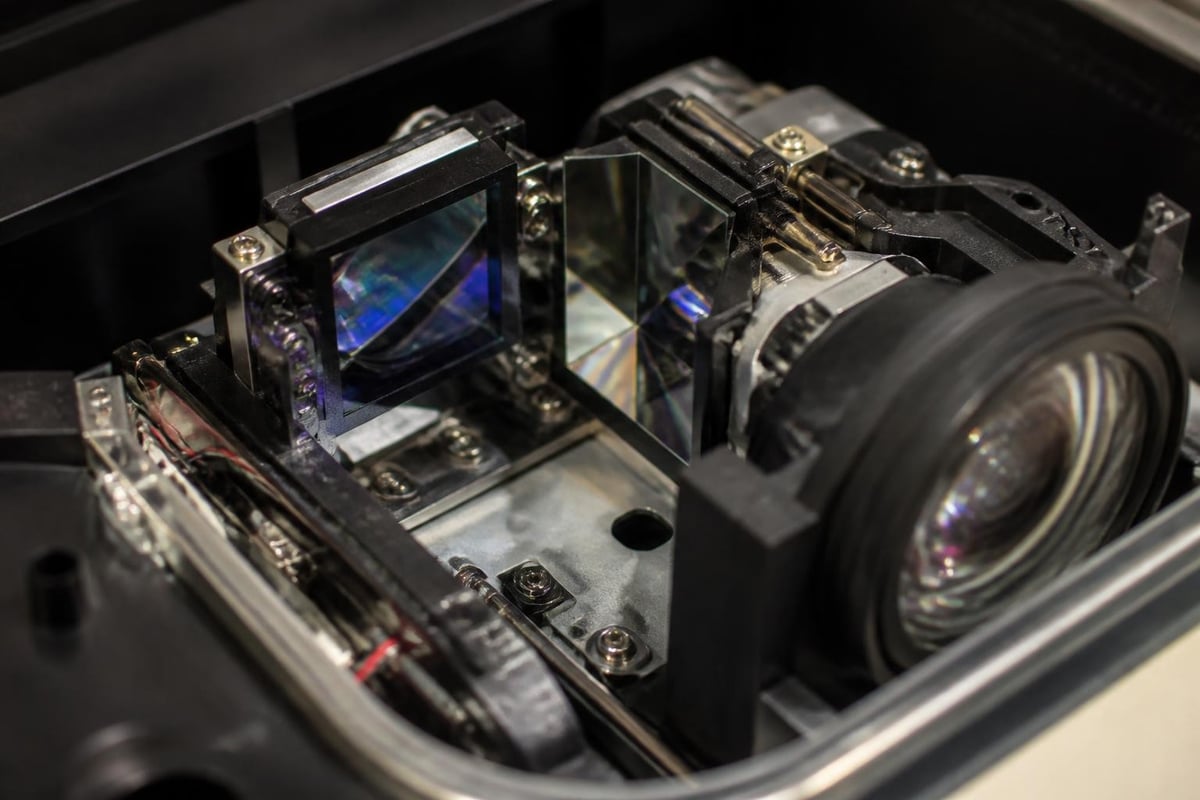
The heart of the Epson Pro Cinema 4050 lies in its sophisticated three-chip design, which processes red, green, and blue light channels simultaneously rather than sequentially. This approach eliminates the rainbow effect entirely while delivering superior color accuracy and brightness uniformity across the entire image.
3LCD Architecture Benefits
Unlike single-chip DLP projectors, the 4050 uses separate LCD panels for each primary color. This design delivers several measurable advantages:
- 2,600 lumens of both white and color brightness (no color brightness compromise)
- Zero rainbow artifacts even during fast motion sequences or high-contrast scenes
- Natural skin tones without the green or magenta biases common in competing technologies
- Consistent brightness across all color spectrums, not just white test patterns
The official Epson product page provides detailed specifications confirming these measurements, which have been independently verified through professional calibration testing.
Pixel-Shifting for 4K Resolution
The Epson Pro Cinema 4050 achieves 4K UHD resolution through precision pixel-shifting technology that rapidly moves 1080p pixels diagonally to create 3840 × 2160 addressable points on screen. While technically not native 4K, the implementation produces genuinely sharp images that resolve fine detail far beyond standard 1080p displays.
This approach offers practical benefits for home cinema installations where native 4K projectors remain prohibitively expensive. The visible difference between pixel-shifted and native 4K becomes negligible at typical viewing distances, especially when combined with proper screen selection and controlled ambient light.
HDR Performance and Color Gamut
High Dynamic Range support distinguishes serious home theater projectors from basic models, and the Epson Pro Cinema 4050 includes HDR10 processing with tone mapping designed specifically for projection environments. Unlike consumer televisions with peak brightness exceeding 1,000 nits, projectors must interpret HDR metadata differently to compensate for lower absolute light output.
HDR10 Tone Mapping
The 4050 processes HDR10 content through sophisticated algorithms that preserve highlight detail while maintaining shadow depth. This balancing act proves critical because projectors cannot reproduce the extreme brightness peaks encoded in theatrical HDR masters.
| HDR Feature | Pro Cinema 4050 | Standard Projectors |
|---|---|---|
| Peak white luminance | Optimized for 100-150 nits | Often clips highlights |
| Shadow detail | Excellent retention | Frequently crushed blacks |
| Color volume | Wide gamut maintained | Gamut compression in HDR |
| Tone curve flexibility | User-adjustable per source | Fixed processing |
Professional reviewers have documented the 4050's HDR implementation and calibration possibilities, noting particular success with custom tone curves for specific content types.
DCI-P3 Color Coverage
Cinema content is mastered to the DCI-P3 color standard, and the Epson Pro Cinema 4050 covers a substantial portion of this gamut. After calibration, the projector achieves approximately 95% DCI-P3 coverage, ensuring that filmmakers' color intentions translate accurately to your home cinema screen.
This wide gamut capability becomes especially important when displaying:
- Animated features with saturated primaries and complex color grading
- Nature documentaries showcasing vibrant coral reefs, rainforests, or autumn landscapes
- Science fiction films relying on otherworldly color palettes beyond standard Rec.709
- Modern blockbusters graded specifically for DCI-P3 theatrical presentation
Lens Quality and Installation Flexibility
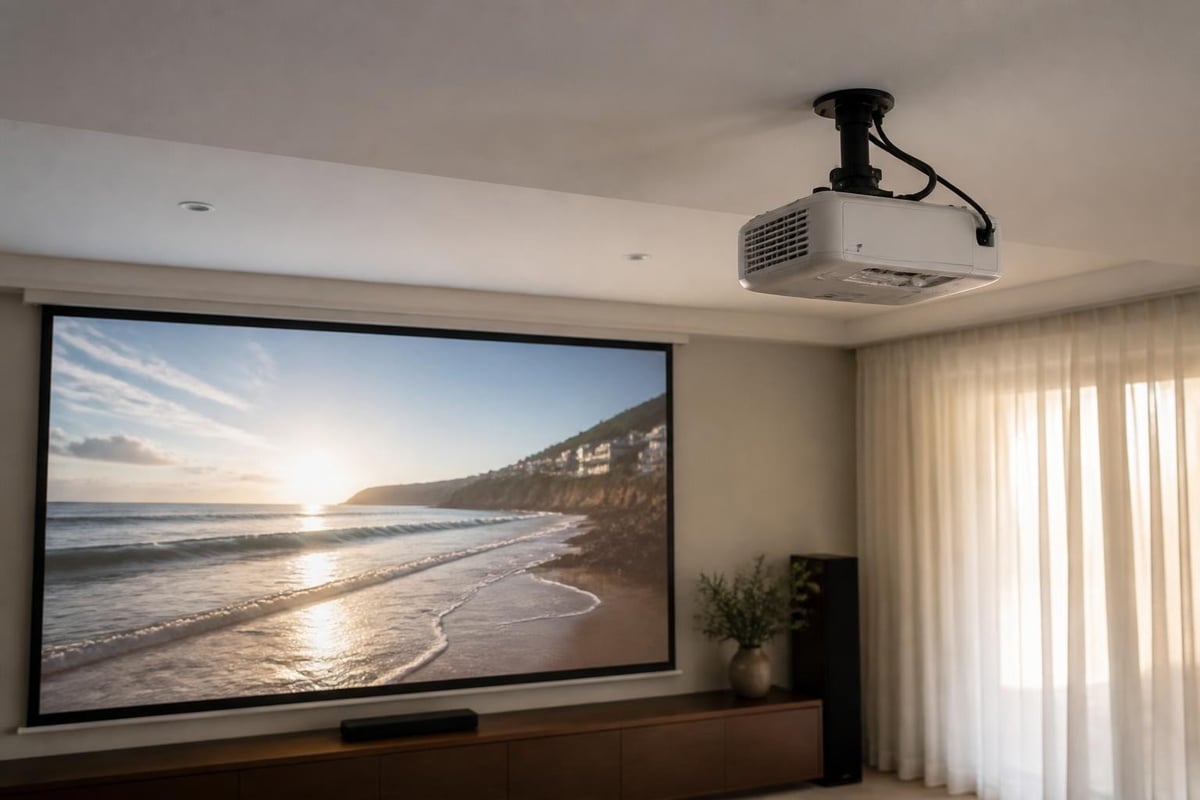
Professional installation demands flexibility, and the Epson Pro Cinema 4050 delivers through an exceptional lens system with extensive adjustment range. This powered zoom and lens shift combination accommodates challenging room geometries without compromising image quality or requiring keystone correction.
Motorized Lens Controls
The projector includes fully motorized optical adjustments accessible through the remote control:
- 2.1:1 powered zoom range enabling throw distances from 10.3 to 21.8 feet for a 100-inch diagonal image
- Vertical lens shift of ±96% (nearly two full screen heights of adjustment)
- Horizontal lens shift of ±47% for off-center mounting positions
- Ten lens memory presets storing different aspect ratios and screen formats
These capabilities prove essential when creating a custom home cinema room where architectural constraints might otherwise dictate projector placement. The motorized controls allow installers to achieve perfect alignment without resorting to digital corrections that degrade image quality.
Premium Optical Design
Epson engineered the Pro Cinema 4050's lens assembly using high-grade glass elements that minimize chromatic aberration and maintain edge-to-edge sharpness. Unlike entry-level projectors with visible focus fall-off in corners, this model delivers uniform clarity across the entire frame when properly converged during installation.
Calibration and Picture Modes
Out-of-box picture quality represents only the starting point for serious home theater applications. The Epson Pro Cinema 4050 includes extensive calibration controls that enable professional tuning to reference standards or personalized preferences based on viewing environment and content preferences.
Factory Picture Presets
The projector ships with several calibrated starting points:
| Picture Mode | Application | Brightness | Color Temp | Best For |
|---|---|---|---|---|
| Digital Cinema | HDR/SDR films | Medium | D65 (6500K) | Dedicated dark room |
| Natural | Casual viewing | High | Warm | Ambient light present |
| Bright Cinema | Mixed lighting | Highest | Cooler | Family room installation |
| Cinema | Film purist | Lower | Very warm | THX-like presentation |
Most calibration professionals start with Digital Cinema mode and refine from there using two-point grayscale controls, gamma adjustments, and color management system (CMS) fine-tuning. The detailed calibration workflow documented by independent reviewers provides measurement-based targets for achieving reference accuracy.
Advanced Color Management
Serious calibrators appreciate the Pro Cinema 4050's comprehensive CMS implementation, which offers independent adjustment of red, green, blue, cyan, magenta, and yellow primaries. Each color receives separate hue, saturation, and brightness controls, enabling precision correction of individual gamut vertices without affecting neighboring colors.
This granular control becomes critical when:
- Compensating for screen material color shifts
- Matching other displays in a multi-projector installation
- Correcting for non-ideal viewing environment reflectance
- Achieving specific creative looks for themed cinema rooms
Practical Installation Considerations
Successful home cinema integration extends beyond projector specifications to encompass screen selection, ambient light control, and audio system coordination. The Epson Pro Cinema 4050 performs optimally when these environmental factors receive appropriate attention during design and installation phases.
Screen Pairing Recommendations
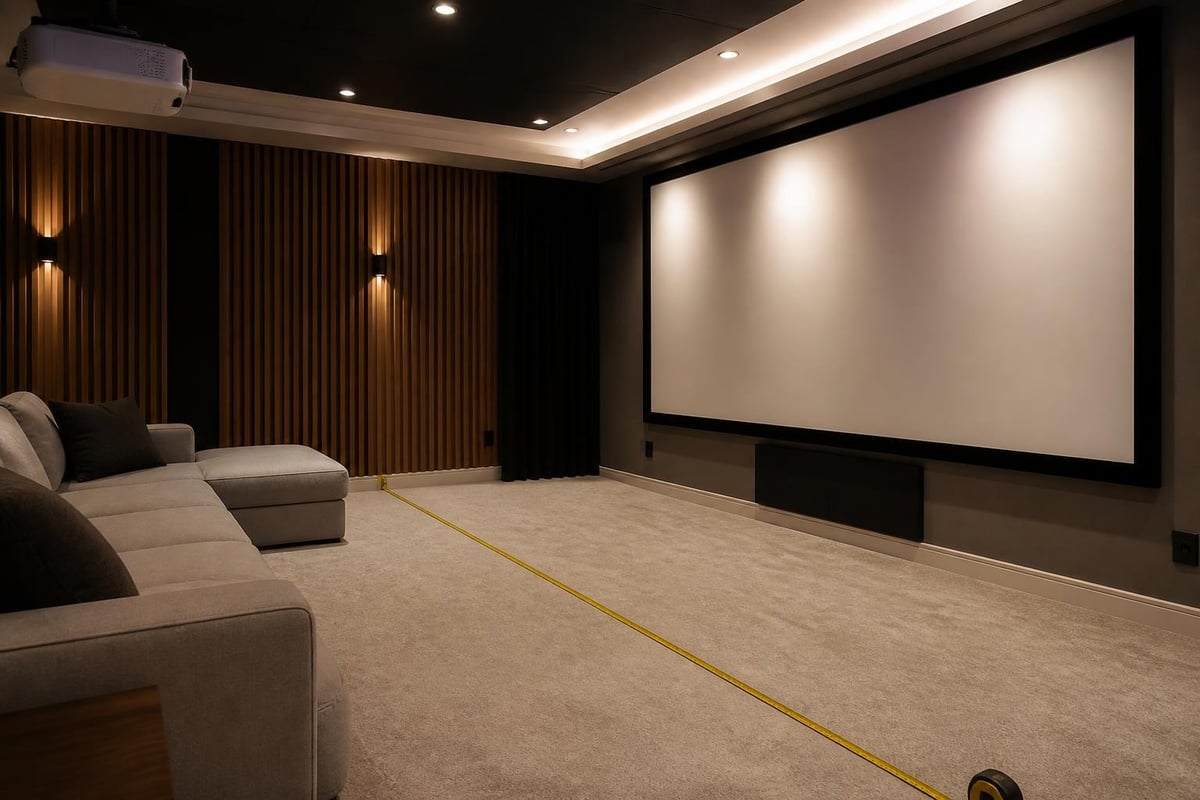
Screen gain and material characteristics dramatically influence perceived image quality. For the 4050's brightness output, consider these pairings:
Dedicated theater (complete light control):
- Unity gain (1.0) white or gray screens maximize contrast
- Acoustic transparency if speakers mount behind screen
- 100-140 inch diagonal depending on seating distance
Multipurpose room (some ambient light):
- Medium gain (1.3-1.5) white screens boost brightness
- Ambient light rejecting (ALR) materials for challenging environments
- Smaller screen sizes (90-110 inches) concentrate light output
The projector's motorized lens capabilities allow installers to position equipment optimally for acoustic treatments and room aesthetics without sacrificing image geometry.
Light Output and Room Size
While rated at 2,600 lumens, real-world brightness after calibration typically measures 1,400-1,600 lumens in best-performing modes. This output level suits:
- 120-inch diagonal screens with unity gain in completely dark rooms
- 100-inch screens with moderate gain for near-dark environments
- Smaller screens (80-90 inches) for rooms with some ambient light control
Professional installers recognize that bigger isn't always better; matching screen size to actual light output ensures proper highlight brightness and satisfying HDR punch rather than dim, washed-out images stretched too large.
Connectivity and Source Integration
Modern home theater systems demand comprehensive connectivity for multiple source devices, and the Epson Pro Cinema 4050 includes sufficient inputs for complex installations without requiring external switching infrastructure for most applications.
HDMI Input Configuration
The projector provides two HDMI 2.0 inputs supporting these specifications:
- 18 Gbps bandwidth per input enabling 4K/60Hz with 4:4:4 color sampling
- HDCP 2.2 compliance for protected UHD Blu-ray and streaming content
- HDR10 and hybrid log-gamma (HLG) support across both inputs
- 12-bit color processing maintaining precision through the signal chain
For installations requiring more than two HDMI sources, high-quality external switchers integrate seamlessly while maintaining full bandwidth and feature support. The Epson support resources include compatibility lists for verified switching equipment.
Control and Automation
Professional integration systems connect through multiple control pathways:
- RS-232 serial connection with published command protocol
- IP control via wired Ethernet with documented command strings
- IR learning remote codes for universal remote programming
- 12V trigger output for synchronized screen and masking deployment
These options enable the Pro Cinema 4050 to participate fully in sophisticated whole-home automation platforms, responding to scenes, schedules, and conditional logic alongside audio systems, lighting, and climate control.
Maintenance and Ownership Costs
Long-term projector ownership involves consumable replacement and periodic service requirements that impact total cost of ownership beyond the initial purchase price. The Epson Pro Cinema 4050 uses traditional lamp technology rather than laser or LED light sources, creating predictable maintenance intervals.
Lamp Life Expectations
Epson rates the replacement lamp at:
- 3,500 hours in high brightness mode for maximum light output
- 5,000 hours in medium setting balancing brightness and longevity
- 6,000 hours in economy mode sacrificing some brightness for extended life
At four hours daily usage in medium mode, expect lamp replacement approximately every 3.4 years. Genuine Epson replacement lamps typically cost $300-400, representing a significant but predictable operating expense.
Filter Maintenance
The Pro Cinema 4050 includes user-accessible air filters requiring periodic cleaning or replacement:
- Every 3-6 months in typical home environments (vacuum or rinse)
- More frequently in dusty conditions or homes with pets
- Replacement filters available for approximately $30-50
Regular filter maintenance preserves cooling efficiency, prevents overheating shutdowns, and maximizes lamp longevity by maintaining proper operating temperatures throughout the optical path.
Comparing Value Proposition
Within the $2,000-3,000 projector segment, buyers weigh competing technologies and feature sets. The Epson Pro Cinema 4050 distinguishes itself through specific strengths that appeal to particular installation scenarios and viewer priorities.
Competitive Position
| Feature Category | Epson Pro Cinema 4050 | Competing DLP Models | Native 4K Alternatives |
|---|---|---|---|
| Technology | 3-chip 3LCD | Single-chip DLP | 3-chip DLP or LCOS |
| True resolution | 1080p pixel-shifted | 1080p pixel-shifted | Native 4096 × 2160 |
| Color brightness | 2,600 lumens | 1,300-1,800 lumens typical | 1,500-2,000 lumens |
| Rainbow artifacts | None (3-chip) | Possible (single-chip) | None (3-chip) |
| Lens flexibility | Exceptional (powered) | Good to excellent | Varies widely |
| Price range | $2,499-2,999 | $2,000-3,500 | $5,000-15,000+ |
This comparison reveals the 4050's sweet spot: buyers prioritizing color accuracy, installation flexibility, and complete freedom from motion artifacts without stretching budgets to native 4K pricing.
Professional vs. DIY Installation
While technically feasible for experienced enthusiasts, professional installation of the Epson Pro Cinema 4050 delivers measurable advantages in image quality, system integration, and long-term satisfaction. Understanding which aspects benefit most from expert intervention helps buyers make informed decisions.
Benefits of Professional Setup
Certified installers bring specialized tools and knowledge:
- Colorimeter and pattern generators for precise calibration beyond factory presets
- Experience with lens convergence ensuring all three LCD panels align perfectly
- Acoustic integration expertise coordinating projector with surround sound systems
- Structured wiring and rack integration for clean, serviceable installations
The difference between adequate and reference-quality results often traces directly to calibration precision and attention to installation details invisible to casual observers but significant over thousands of viewing hours.
DIY Considerations
Enthusiasts choosing self-installation should prioritize:
- Solid mounting using manufacturer-recommended hardware rated for projector weight
- Cable quality with certified high-speed HDMI cables supporting full 18 Gbps bandwidth
- Basic calibration at minimum using free patterns and eyeball adjustments
- Proper ventilation ensuring adequate clearance around intake and exhaust vents
Many home cinema specialists offer consultation services where professionals handle critical setup steps while leaving simpler tasks to capable owners, balancing budget constraints with performance optimization.
Firmware and Long-Term Support
Projector manufacturers increasingly use firmware updates to refine performance, add features, and address compatibility issues discovered after product launch. The Epson Pro Cinema 4050 benefits from active support infrastructure enabling improvements throughout its ownership lifecycle.
Update Availability
Epson releases periodic firmware revisions addressing:
- HDR tone mapping refinements based on user feedback and new content
- HDMI handshake compatibility with evolving source devices
- Picture processing improvements discovered through continued development
- Bug fixes for rare operational issues reported by early adopters
Updates install via USB flash drive following simple procedures documented in user manuals, making the process accessible to non-technical owners willing to follow step-by-step instructions carefully.
The Epson Pro Cinema 4050 delivers exceptional image quality through proven 3LCD technology, comprehensive calibration controls, and installation flexibility that accommodates real-world room constraints. For those ready to elevate their viewing experience with a professionally integrated system, ANR media specializes in custom home cinema installations that maximize projector performance through expert calibration, acoustic coordination, and thoughtful design tailored to your specific space and preferences.