

The Epson 1060 remains a popular choice among home cinema enthusiasts seeking an affordable entry into large-screen entertainment. This Full HD projector delivers impressive brightness, vibrant colors, and built-in audio in a compact package designed for living rooms, media rooms, and dedicated home cinema spaces. Understanding the capabilities and proper setup of the Epson 1060 enables homeowners to maximize their viewing experience while making informed decisions about their home cinema configuration.
Understanding the Epson 1060's Core Technology
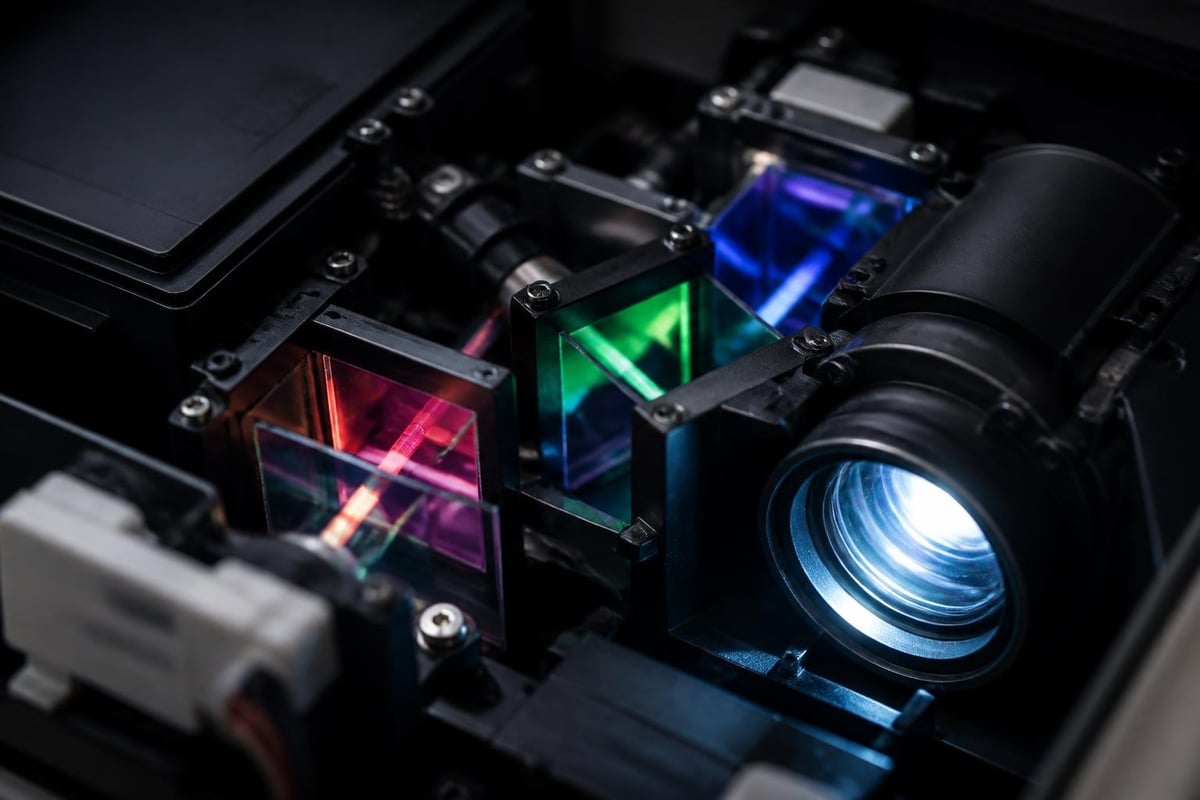
The Epson 1060 utilizes 3LCD projection technology, which sets it apart from competing DLP models in its price range. This three-chip design delivers 3,100 lumens of color brightness and 3,100 lumens of white brightness, ensuring equally vibrant colors without the rainbow effect sometimes observed in single-chip projectors.
Display Specifications and Resolution
The projector's native 1920×1080 Full HD resolution provides sharp detail for movies, sports, and gaming. The official Epson specifications confirm a 15,000:1 contrast ratio, which contributes to deeper blacks and enhanced image depth compared to entry-level competitors.
Key display features include:
- Native Full HD 1080p resolution for crisp, detailed images
- 3LCD technology for accurate color reproduction
- 15,000:1 dynamic contrast ratio for improved black levels
- Support for 3D content via optional glasses
- 16:9 native aspect ratio optimized for modern content
Brightness Performance and Room Compatibility
One of the Epson 1060's standout characteristics is its exceptional brightness output. At 3,100 lumens, this projector handles ambient light far better than many competitors in the sub-$1,000 category. This capability expands installation flexibility significantly.
Ambient Light Considerations
Unlike ultra-short throw or laser projectors that require controlled lighting, the Epson 1060 performs admirably in rooms with moderate ambient light. Family rooms with windows, media spaces with recessed lighting, or finished basements benefit from this brightness headroom. However, the best image quality still emerges in darker environments where contrast and black levels truly shine.
For optimal performance:
- Dark rooms: Reduce brightness mode to Cinema or Natural for best color accuracy
- Moderate ambient light: Use Bright Cinema or Dynamic mode to maintain image visibility
- Daytime viewing: Consider light-blocking curtains or shades for enhanced contrast
- Screen selection: Pair with a high-gain screen to maximize brightness effectiveness
The projector's brightness allows for larger screen sizes than lower-lumen competitors. A 120-inch diagonal image remains vibrant in controlled lighting, while 100-inch screens work well even with some ambient light present.
Installation and Setup Flexibility
The Epson 1060 offers versatile installation options suited to various home cinema configurations. Its compact dimensions (11.7" x 9.7" x 3.7") and moderate weight (7.5 lbs) facilitate both ceiling mounting and shelf placement.
Throw Distance and Screen Size
Understanding throw ratios helps plan your room layout effectively. The Epson 1060 features a throw ratio of approximately 1.35-2.24:1, meaning proper placement requires careful measurement.
| Screen Size | Minimum Distance | Maximum Distance |
|---|---|---|
| 80 inches | 8.5 feet | 14.2 feet |
| 100 inches | 10.7 feet | 17.8 feet |
| 120 inches | 12.8 feet | 21.4 feet |
| 150 inches | 16.0 feet | 26.7 feet |
The 1.15x optical zoom provides limited adjustment compared to more expensive models. Planning your installation distance during room design prevents frustration during setup. Professional installers often recommend finalizing screen size before mounting to ensure optimal image alignment.
Keystone Correction and Lens Shift
The Epson 1060 includes vertical and horizontal keystone correction, allowing up to ±30 degrees of adjustment. While helpful for temporary setups or challenging installations, these digital corrections reduce image quality slightly. Proper geometric alignment produces superior results.
Note: Unlike higher-end Epson models, the 1060 lacks lens shift. Precise vertical and horizontal placement becomes critical for avoiding keystone corrections entirely.
Audio Capabilities and Sound Integration
Built-in audio distinguishes the Epson 1060 from many competing projectors. The integrated 10-watt speaker provides acceptable sound for casual viewing, presentations, or temporary installations. However, serious home cinema applications demand external audio solutions.
When Built-In Audio Works
The onboard speaker serves specific scenarios effectively:
- Outdoor movie nights or portable setups
- Children's playrooms or bonus rooms
- Office presentations or business applications
- Temporary installations before audio system integration
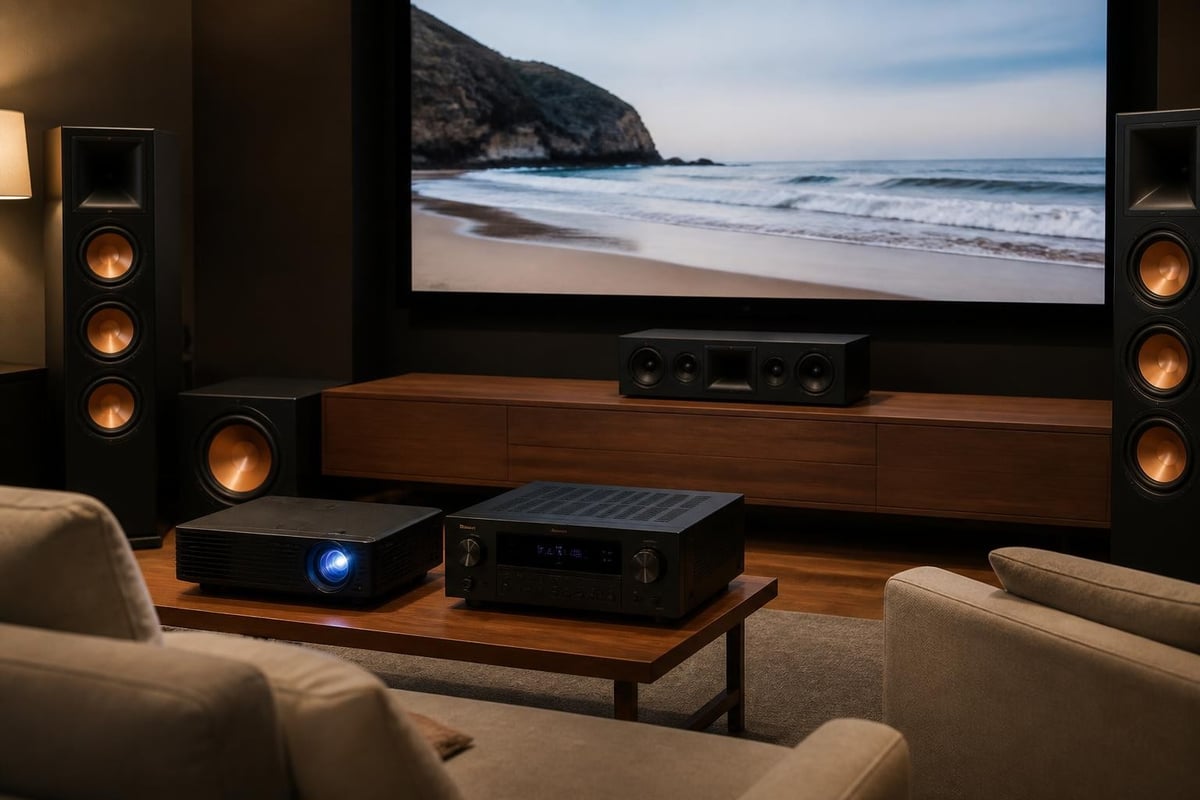
For dedicated home cinema installations, the Epson 1060's audio output connects to quality sound systems. HDMI ARC functionality enables simplified connection to soundbars or AV receivers, while the 3.5mm audio output provides analog compatibility with older equipment.
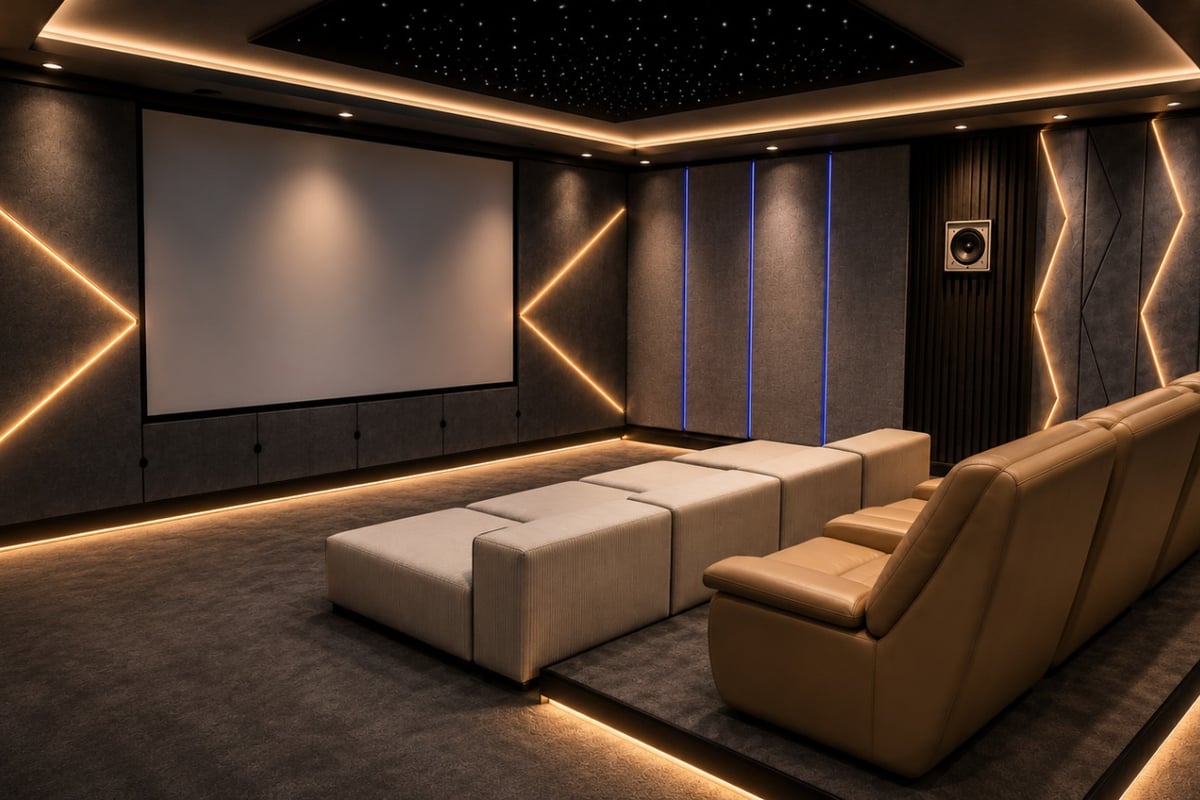
Creating an immersive home cinema experience requires matching quality audio with the Epson 1060's visual performance. Custom home cinema room installations integrate sophisticated audio systems that complement the projector's capabilities, delivering theater-quality sound that transforms viewing into true entertainment experiences.
Connectivity Options and Source Compatibility
Modern home entertainment systems require diverse connectivity. The Epson 1060 accommodates various sources through multiple input options, though its port selection reflects its value-oriented positioning.
Available Inputs and Outputs
The rear panel provides:
- Two HDMI ports for simultaneous source connections
- USB Type A for direct media playback and firmware updates
- VGA input for computer connectivity
- Composite video for legacy devices
- Audio inputs/outputs for flexible sound routing
- RS-232C for system integration and control
HDMI 1.4 specification limits the projector to 1080p resolution, making it incompatible with native 4K sources. However, it accepts 4K input and downscales to 1080p, maintaining compatibility with modern streaming devices and players. Gaming enthusiasts should note the approximately 28ms input lag, which proves adequate for casual gaming but may disappoint competitive players.
Color Performance and Calibration
Epson's 3LCD technology delivers up to 3,100 lumens of color brightness, matching the white brightness specification. This equal color and white brightness (CWB) ensures vibrant colors regardless of content or brightness mode.
Picture Modes and Optimization
The Epson 1060 includes several preset picture modes tailored to different content types:
| Picture Mode | Best For | Characteristics |
|---|---|---|
| Dynamic | Bright rooms, sports | Maximum brightness, cooler color temperature |
| Bright Cinema | Mixed lighting, TV | Balanced brightness with better color |
| Cinema | Movies in dark rooms | Accurate color, lower brightness |
| Game | Gaming applications | Reduced processing lag, enhanced shadow detail |
| Photo | Still images | Enhanced color saturation |
Professional reviews consistently praise the Epson 1060's color accuracy in Cinema mode. Out-of-box performance requires minimal adjustment for satisfying results, though enthusiasts may pursue calibration for reference-quality accuracy.
Calibration Considerations
Basic calibration improves the viewing experience significantly:
- Color temperature: Adjust to 6500K for cinematic warmth
- Brightness and contrast: Optimize for your screen and room conditions
- Color saturation: Fine-tune individual RGB channels for accuracy
- Gamma: Adjust shadow detail without crushing blacks
- Sharpness: Reduce to avoid artificial edge enhancement
Professional calibration services utilize colorimeters and specialized software to achieve industry-standard performance. For most users, Cinema mode with modest brightness and contrast adjustments delivers excellent results.
Lamp Life and Maintenance Requirements
Projector ownership includes ongoing maintenance considerations. The Epson 1060 uses a replaceable UHE (Ultra High Efficiency) lamp rated for varying lifespans depending on power mode.
Expected Lamp Longevity
Lamp life expectations vary by brightness setting:
- Normal mode: 4,500 hours typical lifespan
- ECO mode: 7,500 hours typical lifespan
- Dynamic ECO mode: Up to 7,500 hours with automatic adjustment
ECO mode reduces brightness by approximately 20% while extending lamp life and reducing fan noise. Dynamic ECO mode automatically adjusts lamp power based on image content, balancing longevity with performance. For typical home cinema usage of 15-20 hours weekly, even Normal mode provides multiple years of enjoyment before replacement.
Filter Maintenance and Cleaning
The Epson 1060 includes an air filter that requires periodic cleaning to maintain optimal cooling and prevent overheating. Filter inspection every 100 hours and cleaning every 3-6 months ensures reliable operation.
Maintenance schedule recommendations:
- Check filter indicator light for cleaning reminders
- Power off and unplug the projector completely
- Remove filter cover and extract the filter element
- Vacuum or rinse filter under running water
- Allow complete drying before reinstallation
- Replace filter if damaged or excessively dirty
Comparison with Contemporary Models
Understanding the Epson 1060's position within Epson's product lineup helps buyers make informed decisions. The Home Cinema series includes multiple models at various price points and capability levels.
Epson 1060 vs. 2150
The Home Cinema 2150 sits higher in Epson's range with enhanced features:
| Feature | Home Cinema 1060 | Home Cinema 2150 |
|---|---|---|
| Brightness | 3,100 lumens | 2,500 lumens |
| Contrast | 15,000:1 | 60,000:1 |
| Wireless | No | Yes (optional) |
| Lens Shift | No | Vertical ±96% |
| Price Range | Lower | Higher |
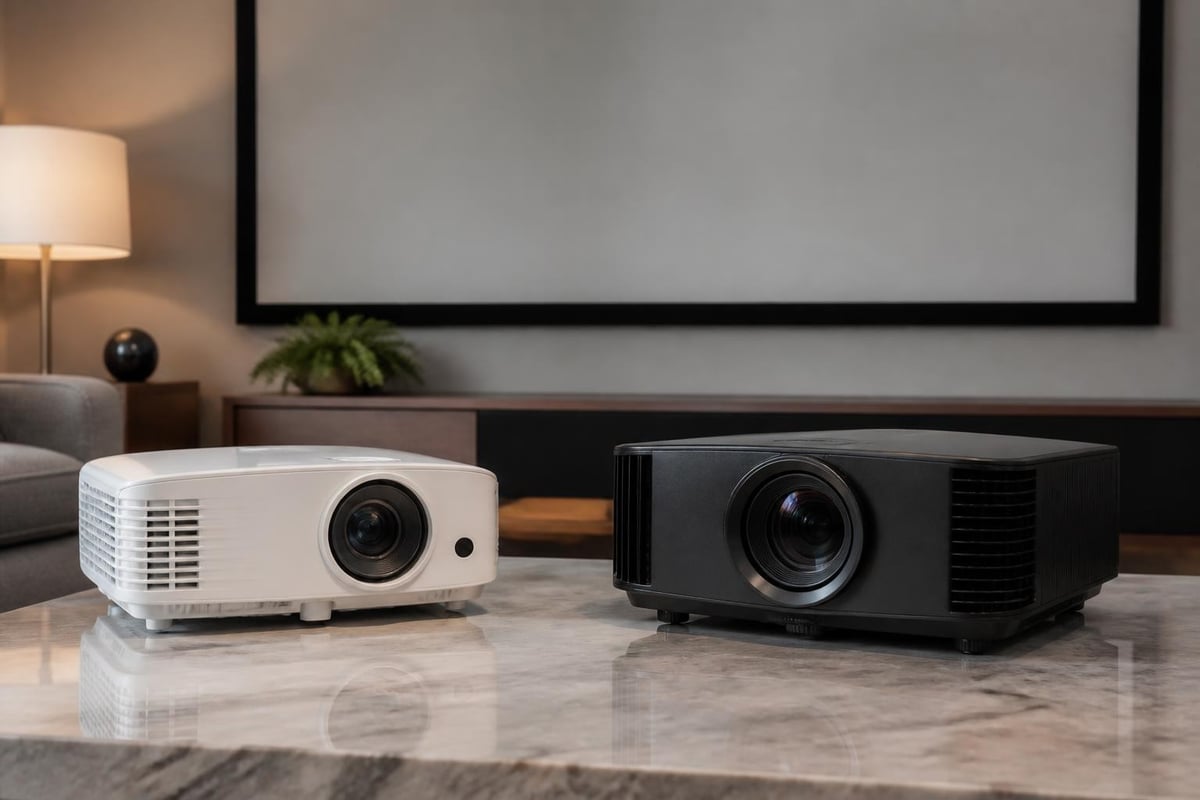
The 1060 emphasizes brightness and value, while the 2150 prioritizes contrast and installation flexibility. Dark-room enthusiasts prefer the 2150's superior blacks, while the 1060 excels in versatile environments.
Gaming Performance and Input Lag
Modern projectors serve dual purposes as both cinema displays and gaming screens. The Epson 1060 accommodates gaming applications with specific considerations regarding responsiveness and image quality.
Input Lag Measurements
Input lag represents the delay between source signal and displayed image. The Epson 1060 measures approximately 28ms in Game mode, which falls into the acceptable range for casual and single-player gaming. Competitive gamers seeking sub-16ms performance should explore dedicated gaming projectors.
Game mode optimizations include:
- Reduced image processing for faster response
- Enhanced shadow detail for better visibility
- Lower input lag compared to other picture modes
- Maintained brightness for well-lit gaming spaces
Console gaming on 100-120 inch screens creates impressive experiences that traditional televisions cannot match. Racing games, adventure titles, and sports simulations particularly benefit from the expansive display area.
3D Capabilities and Content Support
The Epson 1060 supports Full HD 3D content through active shutter glasses technology. While 3D content availability has diminished since peak popularity, enthusiasts with existing 3D Blu-ray collections appreciate this capability.
3D Performance Characteristics
Active 3D technology delivers full 1080p resolution to each eye, avoiding the resolution reduction inherent in passive 3D systems. The Epson 1060's brightness advantage proves particularly valuable for 3D viewing, as active glasses reduce perceived brightness significantly.
3D viewing requirements:
- Compatible active shutter glasses (sold separately)
- 3D-capable source device (Blu-ray player, gaming console)
- HDMI 1.4 connection between source and projector
- Proper brightness mode for sufficient light output
The projector automatically detects 3D signals and adjusts accordingly, though manual 3D format selection remains available for problematic content.
Screen Pairing Recommendations
Projector performance depends heavily on screen selection. The Epson 1060's brightness and color output work optimally with specific screen materials and gain factors.
Screen Types and Gain Factors
Screen gain affects brightness and viewing angle characteristics:
- Matte white (1.0-1.1 gain): Widest viewing angles, natural color reproduction
- High contrast gray (0.8-0.9 gain): Enhanced black levels, ambient light rejection
- High gain white (1.3-1.5 gain): Increased brightness, narrower viewing angles
- Ambient light rejecting (ALR): Specialized for rooms with light control challenges
For dedicated home cinema rooms with controlled lighting, matte white screens between 100-120 inches diagonal maximize the Epson 1060's capabilities. Multi-purpose rooms benefit from high-gain or ALR screens that maintain visibility despite ambient light.
Streaming and Smart Features
The Epson 1060 lacks integrated smart features or wireless connectivity found in premium models. Users requiring streaming capabilities must connect external devices through HDMI inputs.
Recommended Streaming Solutions
Popular streaming device options include:
- Roku Streaming Stick 4K: Comprehensive app selection, simple interface
- Amazon Fire TV Stick 4K: Alexa integration, competitive pricing
- Apple TV 4K: Premium experience, ecosystem integration
- Nvidia Shield TV: Gaming capabilities, advanced processing
- Google Chromecast: Budget-friendly, mobile casting focus
These devices connect directly to the projector's HDMI ports, providing access to Netflix, Disney+, Amazon Prime Video, and other streaming services. While the projector downscales 4K content to 1080p, modern streaming platforms maintain excellent quality at Full HD resolution.
Professional Installation Considerations
While the Epson 1060 supports DIY installation, professional setup ensures optimal performance and longevity. Experienced installers address challenges that casual users often overlook.
Benefits of Professional Setup
Expert installation provides several advantages:
- Precise alignment eliminating keystone correction requirements
- Optimal viewing distance calculation for screen size
- Proper ventilation ensuring adequate cooling and lamp life
- Cable management creating clean, organized installations
- Calibration services maximizing image quality and accuracy
- Integration with whole-home audio/video systems
Ceiling mounting requires structural assessment, proper bracket selection, and secure installation. Running HDMI cables through walls or ceilings demands knowledge of building codes and proper cable ratings. Professional installers navigate these complexities while ensuring warranty compliance.
Long-Term Value and Ownership Costs
Evaluating total cost of ownership extends beyond initial purchase price. The Epson 1060's operating expenses and replacement costs factor into long-term value calculations.
Operating Cost Analysis
Primary ongoing expenses include:
- Replacement lamps: $80-150 depending on source and specifications
- Electricity consumption: Approximately 300-320 watts during operation
- Filter replacements: $10-20 every 2-3 years
- Optional accessories: 3D glasses, extended warranties, mounting hardware
Assuming 1,000 hours of annual use and ECO mode operation, lamp replacement occurs every 7-8 years. This longevity reduces annual operating costs significantly compared to earlier projector technologies requiring more frequent lamp changes.
The Epson 1060's reliability record demonstrates consistent performance with proper maintenance. Many users report trouble-free operation throughout the entire lamp life, making it a dependable choice for home cinema applications.
Future-Proofing and Upgrade Paths
Technology advancement continues reshaping home entertainment. Understanding the Epson 1060's limitations helps plan future upgrade paths as needs evolve.
Current Limitations
The projector's HDMI 1.4 specification restricts it to 1080p resolution, which may feel limiting as 4K and 8K content becomes increasingly prevalent. However, Full HD remains perfectly adequate for screen sizes under 120 inches at typical viewing distances. Most viewers cannot distinguish individual pixels at proper seating distances.
Additional considerations for long-term planning:
- HDR compatibility: Limited high dynamic range support compared to newer models
- Gaming features: Higher input lag than dedicated gaming projectors
- Wireless connectivity: Requires external adapters for wireless transmission
- Smart features: Dependent on external streaming devices
- Laser technology: Traditional lamp-based design versus emerging laser phosphor systems
For current needs and budgets, the Epson 1060 delivers exceptional value. When 4K projection becomes essential or laser technology reaches competitive pricing, upgrade paths remain available while maximizing the current investment's useful life.
The Epson 1060 delivers remarkable performance and versatility for home cinema enthusiasts seeking large-screen entertainment without premium pricing. Its combination of brightness, color accuracy, and practical features makes it an enduring choice for various installation scenarios. Whether you're planning a dedicated theater space or enhancing a multi-purpose room, ANR media specializes in custom home cinema and audio video solutions that maximize projector performance through expert installation, calibration, and system integration tailored to your specific environment and entertainment goals.