

The Epson 2040 has established itself as a reliable workhorse in the home cinema projector market, delivering impressive image quality and features at a price point that appeals to enthusiasts seeking professional-grade performance without the premium price tag. Despite newer models entering the market, this projector continues to attract attention from homeowners planning dedicated theater spaces and professionals specifying equipment for custom installations. Understanding what makes this unit special, and whether it remains relevant in 2026, requires examining its technical capabilities, real-world performance, and how it compares to current alternatives.
Understanding the Epson 2040 Projector Platform
The Epson 2040 represents a continuation of Epson's commitment to delivering bright, color-accurate projection for home entertainment applications. This model builds upon previous generations with enhanced brightness specifications and improved lens systems designed specifically for residential installations.
Core Technical Specifications
The projector delivers 2,200 lumens of color brightness and 2,200 lumens of white brightness, ensuring consistent performance across various content types. The native resolution stands at 1080p Full HD (1920 x 1080), which remains highly relevant for the vast majority of content consumption even as 4K adoption increases.
Key specifications include:
- 3LCD technology for superior color reproduction
- 35,000:1 dynamic contrast ratio
- 2.1x optical zoom lens with powered adjustments
- Horizontal and vertical lens shift capabilities
- Multiple HDMI inputs supporting HDCP compliance
The official product specifications detail the complete technical parameters, including lamp life expectations and throw distance calculations that prove essential during installation planning.
3LCD Technology Advantages
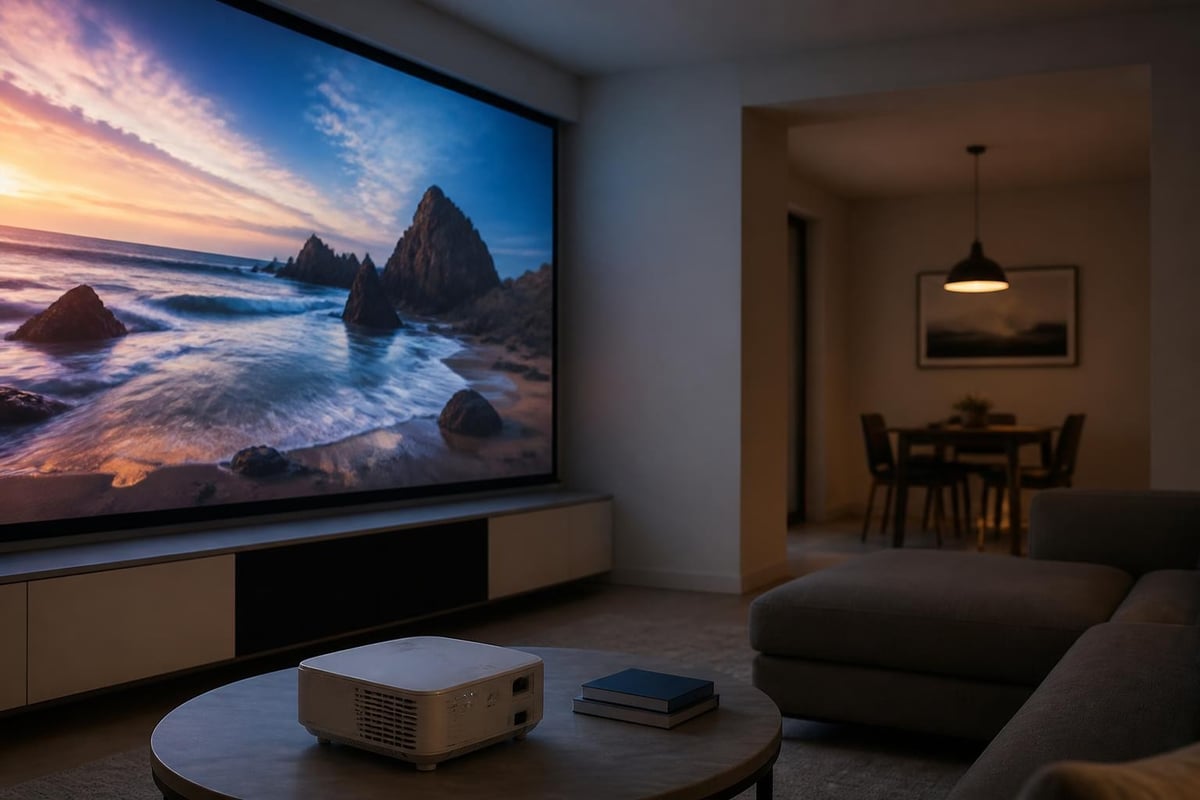
Unlike single-chip DLP projectors that can exhibit rainbow artifacts, the 3LCD system employed in the Epson 2040 uses three separate panels for red, green, and blue channels. This architecture delivers several measurable benefits for home cinema applications.
Color accuracy improves significantly because each primary color receives dedicated processing. The system produces more natural skin tones and better saturation across the entire spectrum, particularly important when viewing film content with carefully graded color palettes.
| Feature | 3LCD Benefit | Home Cinema Impact |
|---|---|---|
| Color brightness | Matches white brightness | No color degradation in bright scenes |
| Rainbow effect | Eliminated entirely | Comfortable extended viewing |
| Shadow detail | Superior black level performance | Better dark scene visibility |
| Uniformity | Consistent across panel | Professional image quality |
Installation Flexibility and Room Integration
One of the most significant advantages the Epson 2040 brings to custom installations involves its exceptional flexibility for placement and adjustment. The powered lens features combine with generous shift ranges to accommodate challenging room layouts.
Lens Shift Capabilities
The vertical lens shift provides up to 96% range, allowing installers to position the projector significantly above or below the screen centerline without introducing keystone distortion. Horizontal shift reaches 47%, enabling off-center mounting when room architecture demands it.
These specifications translate directly into installation freedom. A projector can mount on a rear shelf, ceiling position, or custom bracket while maintaining perfect image geometry. For rooms where structural elements or aesthetic considerations limit placement options, this flexibility proves invaluable.
Practical installation scenarios:
- Ceiling mount behind seating: Vertical shift brings image down to screen level
- Side wall mounting: Horizontal shift centers image without angle correction
- High rear shelf: Combined shift handles both vertical and horizontal offset
- Custom furniture integration: Precise adjustments accommodate unique designs
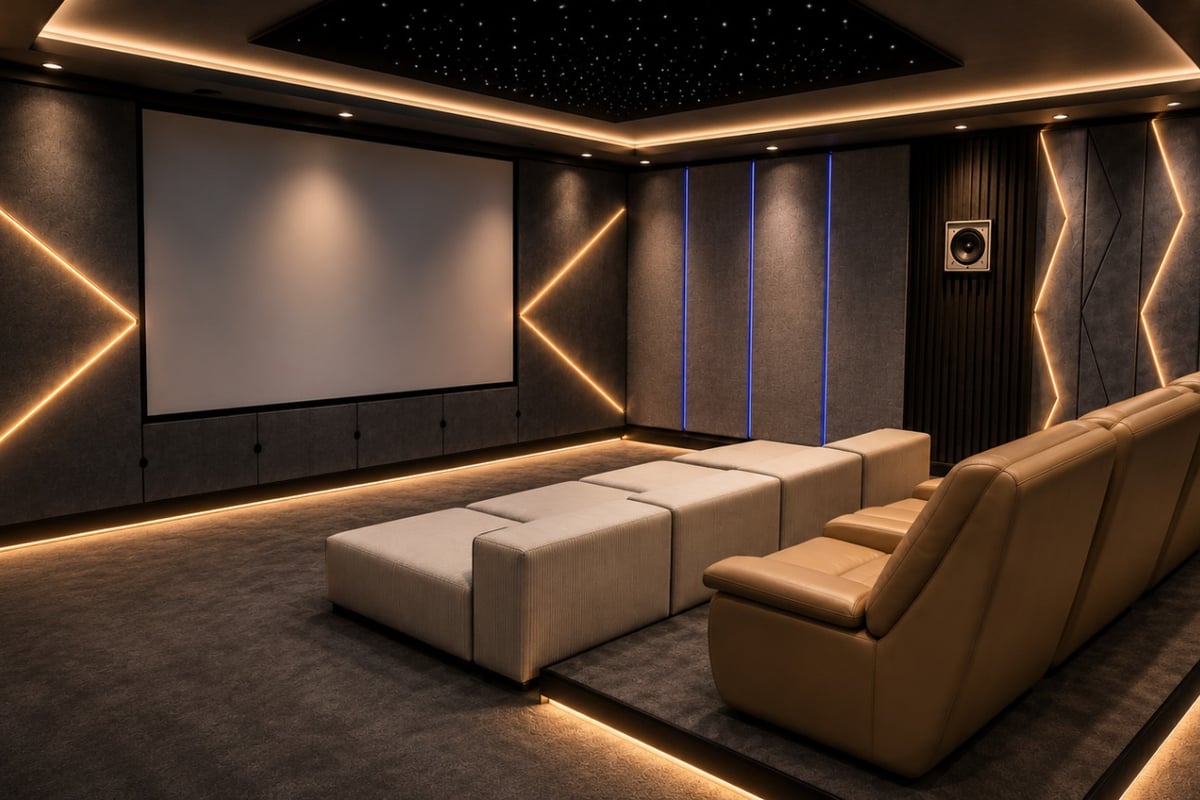
When planning a home cinema room conversion, the Epson 2040's adjustment range simplifies the design process significantly. Rather than forcing room layout around projector limitations, installers can optimize seating positions, acoustic treatments, and screen placement first, then adjust the projector to match.
Throw Distance Planning
The 2.1x zoom lens provides considerable flexibility for screen size and projector distance relationships. This range allows a single projector model to serve rooms of varying dimensions without compromise.
For a 120-inch diagonal 16:9 screen, throw distances range from approximately 11.8 feet to 24.8 feet, depending on zoom position. This wide range accommodates both compact dedicated theaters and larger multipurpose spaces.
Image Performance for Home Cinema
Technical specifications only tell part of the story. The Epson 2040's performance characteristics determine how well it translates source material into engaging visual experiences.
Brightness and Ambient Light Handling
The 2,200-lumen output specification positions this projector in a versatile brightness category. In dedicated, light-controlled theater environments, this brightness proves more than adequate for screen sizes up to 150 inches diagonal with proper gain-appropriate screen materials.
For rooms with some ambient light control but not complete darkness, the brightness reserves ensure image visibility without washing out. This characteristic makes the unit suitable for basement conversions, bonus rooms, and other spaces where complete light elimination proves impractical.
Performance assessments from ProjectorCentral’s comprehensive review confirm these brightness characteristics hold up well in real-world installations across various room conditions.
Color Accuracy and Calibration Potential
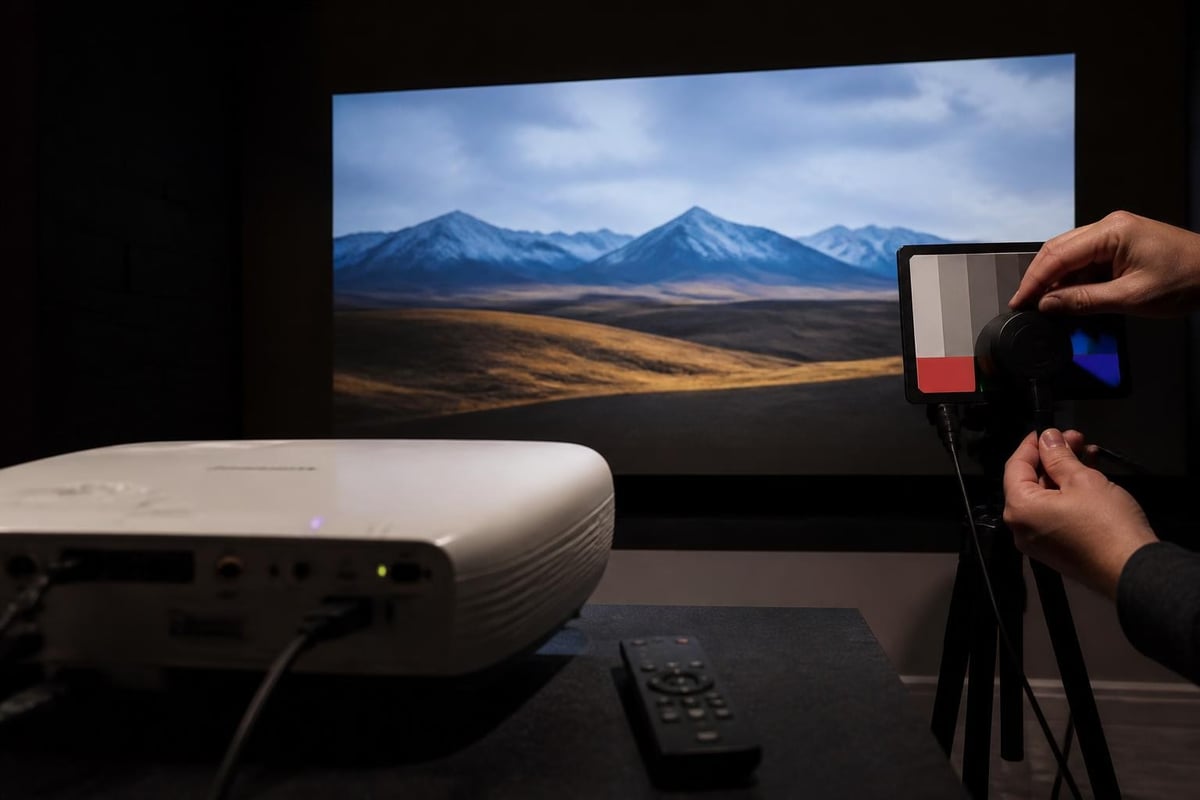
Out-of-box color accuracy ranks above average for projectors in this price category, but the Epson 2040 truly excels when properly calibrated. The menu system provides extensive adjustment options for color temperature, gamma, and individual RGB balance.
Cinema mode delivers the most accurate pre-calibrated color presentation, though some users prefer the slightly brighter Dynamic mode for sports and gaming applications. Custom modes allow saving multiple configurations tailored to specific content types.
| Picture Mode | Best Use Case | Brightness Level | Color Temperature |
|---|---|---|---|
| Cinema | Film content, dramatic series | Moderate | Warm, accurate |
| Dynamic | Sports, gaming | Maximum | Cool, vibrant |
| Natural | General TV viewing | Balanced | Neutral |
| Custom | User calibrated | Variable | User defined |
Contrast and Black Level Considerations
The 35,000:1 dynamic contrast specification represents the ratio between brightest whites and darkest blacks the projector can produce, though not simultaneously. In practice, the Epson 2040 delivers respectable black levels for an LCD-based system, though not matching the absolute performance of high-end DLP or LCOS alternatives.
The auto iris feature dynamically adjusts lamp output based on scene content, deepening blacks during dark sequences while preserving highlight detail. Some viewers appreciate this enhancement, while purists prefer the consistent light output of manual iris modes.
Connectivity and Source Integration
Modern home cinema systems incorporate multiple source components, requiring flexible connectivity options. The Epson 2040 addresses these needs with comprehensive input options.
HDMI Input Configuration
Two HDMI ports provide sufficient connectivity for most installations. Typical configurations include one port for an AV receiver (consolidating all sources) and another for a dedicated streaming device or gaming console for quick access.
Both ports support HDCP compliance necessary for premium content playback, though limitations exist regarding 4K passthrough and HDR signal handling. The projector accepts 1080p signals exclusively, making it suitable for current Full HD content libraries.
Common connection scenarios:
- Port 1: AV receiver output (all sources consolidated)
- Port 2: Direct streaming device connection
- Alternative: Gaming console on Port 2 for low-latency gaming
Legacy Input Support
Beyond HDMI, the projector includes component video, composite, and VGA inputs for connecting older source equipment. While most modern installations rely exclusively on HDMI, these legacy options prove valuable when integrating existing equipment or supporting presentations from various devices.
Practical Considerations for Long-Term Ownership
Purchasing projection equipment represents a multi-year investment, making long-term ownership factors critically important beyond initial performance metrics.
Lamp Life and Operating Costs
The replacement lamp cycle significantly impacts total cost of ownership. In standard brightness mode, Epson rates lamp life at 4,000 hours. Eco mode extends this to 5,000 hours by reducing brightness approximately 20%.
For a household watching three hours daily, standard mode lamp life translates to roughly 3.6 years before replacement becomes necessary. Eco mode extends this to approximately 4.5 years, though with reduced brightness throughout.
Current replacement lamp costs vary between market sources, typically ranging from $150 to $250 for genuine Epson components. Third-party alternatives exist at lower price points, though quality and longevity may vary.
Fan Noise and Acoustic Performance
Operating noise reaches 24dB in Eco mode and 28dB in Normal mode, according to specifications. In practice, this translates to minimal intrusion during quiet film passages when proper installation techniques isolate the projector from direct sound paths to seating positions.
Ceiling mounting positions naturally place the projector further from listeners compared to rear shelf installations. When combined with acoustic ceiling treatments common in dedicated theater spaces, fan noise becomes essentially imperceptible during normal content playback.
Comparing the Epson 2040 to Current Alternatives
Understanding how this model positions against contemporary options helps potential buyers make informed decisions in 2026's evolving projector market.
Value Proposition Analysis
When originally released, the Epson 2040 delivered exceptional value by incorporating features typically found in higher-priced models. The powered lens with generous shift range, quality 3LCD imaging, and sufficient brightness for most applications created a compelling package.
In the current market, newer entry-level 4K projectors have reached competitive price points, forcing a value reassessment. The decision between Full HD excellence and entry-level 4K involves trade-offs between resolution, brightness, lens quality, and color accuracy.
User feedback from ProjectorCentral’s review compilation indicates strong satisfaction among owners who prioritized installation flexibility and color accuracy over native 4K resolution.
4K Consideration Context
Native 4K projectors offer four times the pixel count of 1080p models, but several factors influence practical differences in home cinema environments. Viewing distance, screen size, and source content availability all impact whether resolution differences prove visible.
For screen sizes below 120 inches and viewing distances exceeding 1.5 times screen width, the benefits of 4K resolution diminish considerably for most viewers. The Epson 2040's excellent 1080p image often satisfies viewers in these common installation parameters.
However, enthusiasts with large screens (150+ inches), close seating positions, or extensive 4K content libraries may find native 4K projection worth the investment, accepting potential compromises in brightness, color accuracy, or lens flexibility at comparable price points.
Optimizing Performance Through Setup
Proper installation and configuration unlock the Epson 2040's full potential, transforming adequate performance into exceptional results.
Screen Selection Strategy
Projector and screen function as an integrated system. Screen material characteristics directly impact perceived brightness, contrast, and color accuracy. The Epson 2040 pairs well with various screen types depending on room conditions.
Screen recommendations by environment:
- Dedicated dark room: Matte white (1.0-1.1 gain) maximizes viewing angle and color neutrality
- Controlled ambient light: Slight positive gain (1.3) boosts brightness without hotspotting
- Some ambient light: Grey screen material enhances contrast perception
- Wide seating: Lower gain preserves uniform brightness across viewing positions
Acoustic transparency represents another consideration for rooms featuring speakers behind the screen. Perforated or woven acoustic screens maintain sound clarity while enabling projector placement, though brightness decreases approximately 10-15% compared to solid surfaces.
Picture Mode Calibration
Investing time in proper calibration yields significant improvements over default settings. While professional calibration services exist, the projector includes sufficient adjustment capability for excellent results through careful manual tuning.
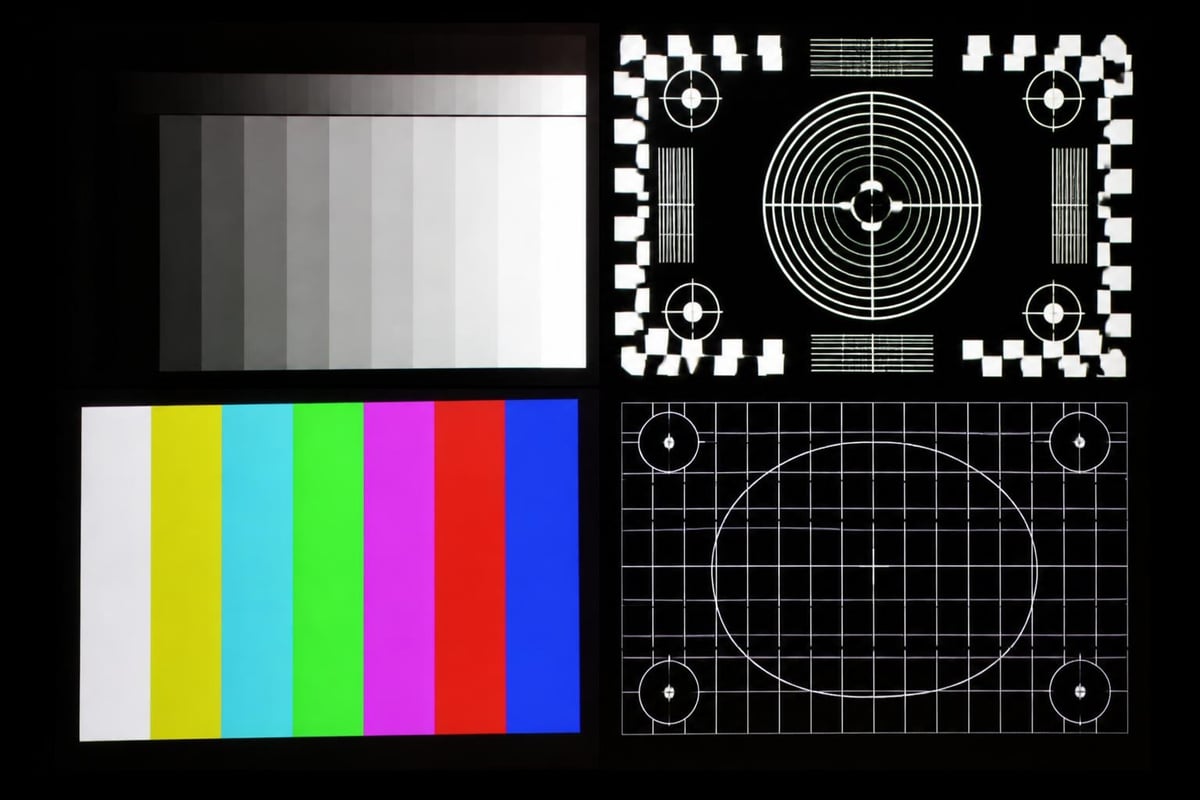
The calibration process follows established steps: set color temperature to cinema standard (6500K), adjust gamma for proper shadow detail, fine-tune RGB balance for accurate color reproduction, and verify with test patterns confirming correct geometry.
Several free calibration disc images exist online, providing test patterns for evaluating brightness, contrast, color, and sharpness adjustments. Spending two to three hours with these tools typically results in noticeably improved image quality.
Gaming Performance Characteristics
While primarily designed for film and television content, the Epson 2040 serves adequately for gaming applications with appropriate expectations regarding input lag and motion handling.
Input Lag Measurements
Input lag represents the delay between source signal and projected image, critical for responsive gaming experiences. The Epson 2040 measures approximately 27-33 milliseconds in optimized settings, acceptable for casual gaming but potentially noticeable to competitive players accustomed to low-latency displays.
Enabling game mode and disabling processing features minimizes lag to the lower end of this range. For single-player, story-driven games where visual quality exceeds twitch response requirements, the projector delivers engaging experiences on large screens.
Motion Handling for Sports Content
Frame interpolation features can reduce judder during camera panning sequences common in sports broadcasts and action films. The implementation works adequately for slower motion but occasionally introduces artifacts during rapid movements.
Many users prefer disabling interpolation for film content to preserve original cinematic motion cadence while enabling it selectively for sports viewing where smoother motion proves beneficial.
Maintenance Requirements and Longevity
Proper maintenance extends projector life and maintains performance quality throughout ownership.
Filter Cleaning Schedule
Air filters prevent dust accumulation on optical components, maintaining brightness and preventing overheating. Epson recommends inspecting filters every 100 hours of operation and cleaning when visibly dusty.
The cleaning process requires removing the filter assembly, gently vacuuming collected dust, and reinstalling. This simple five-minute procedure prevents performance degradation and extends lamp life by ensuring proper cooling airflow.
Storage and Protection
Projectors benefit from protection when not in use, particularly in multi-purpose spaces where dust exposure increases. Simple dust covers prevent accumulation on the lens and intake vents between viewing sessions.
For permanent installations in dedicated theaters, regular operation typically prevents dust buildup better than extended dormant periods. Running the projector weekly maintains optimal component conditioning even when dedicated viewing sessions occur less frequently.
Professional Installation Advantages
While capable DIY installers successfully mount and configure the Epson 2040, professional installation delivers several advantages worth considering for optimal results.
Experienced installers quickly identify ideal mounting positions balancing technical requirements with aesthetic preferences. Cable routing, power management, and control system integration benefit from professional expertise, ensuring clean installations that maximize convenience.
Calibration services performed by professionals with specialized measurement equipment can extract slightly better performance than manual adjustments, particularly for color accuracy meeting strict standards. The investment typically ranges from a few hundred dollars to over a thousand depending on service depth and geographic location.
The Epson 2040 continues delivering reliable home cinema performance in 2026, particularly for installations prioritizing installation flexibility, color accuracy, and proven reliability over cutting-edge resolution specifications. Its combination of powered lens adjustments, bright 3LCD imaging, and reasonable operating costs makes it a solid choice for dedicated theaters and multi-purpose spaces alike. Whether you're planning a complete theater renovation or upgrading an existing system, ANR media brings the expertise to design and install custom home cinema solutions tailored to your specific space, preferences, and budget, ensuring every component works together for the ultimate viewing experience.